InheritedDataPRO Download Center
Access InheritedDataPRO Download Center
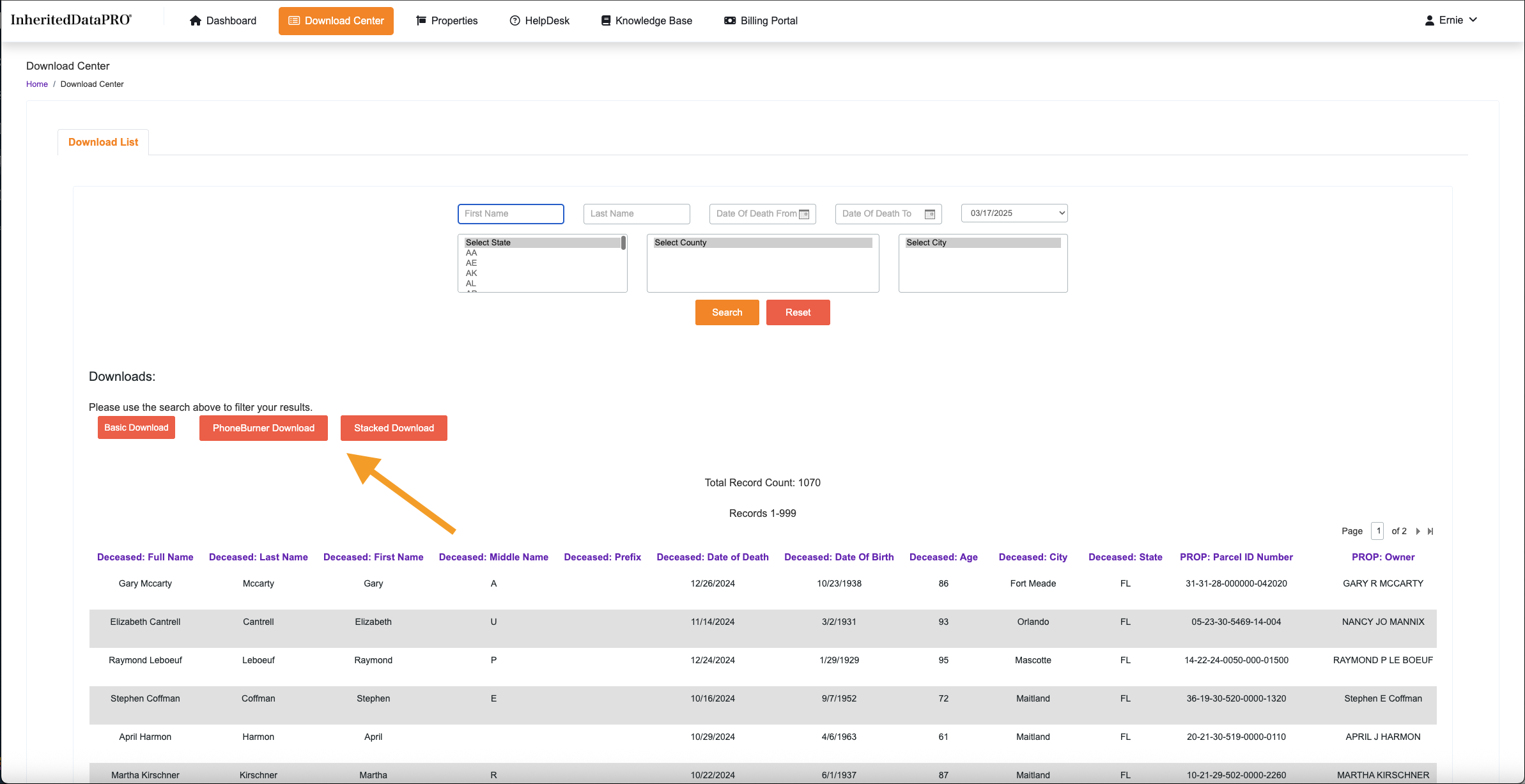
The Download Center is where you can access your data in three formats, tailored for different platforms and workflows.
Basic List – All data is presented in a single row per record, ideal for general-purpose use. Perfect for Direct mail.
Stacked – Relative contacts are stacked in separate rows within a single column, useful for CRM imports and deeper contact analysis.
Stacked for PhoneBurner – Similar to the Stacked format, but streamlined to remove redundant information, optimized for PhoneBurner compatibility. Best for calling platforms or text blasting.
Video How to Download From Center.
Guide
How to Use the Download Center to Access New Lists
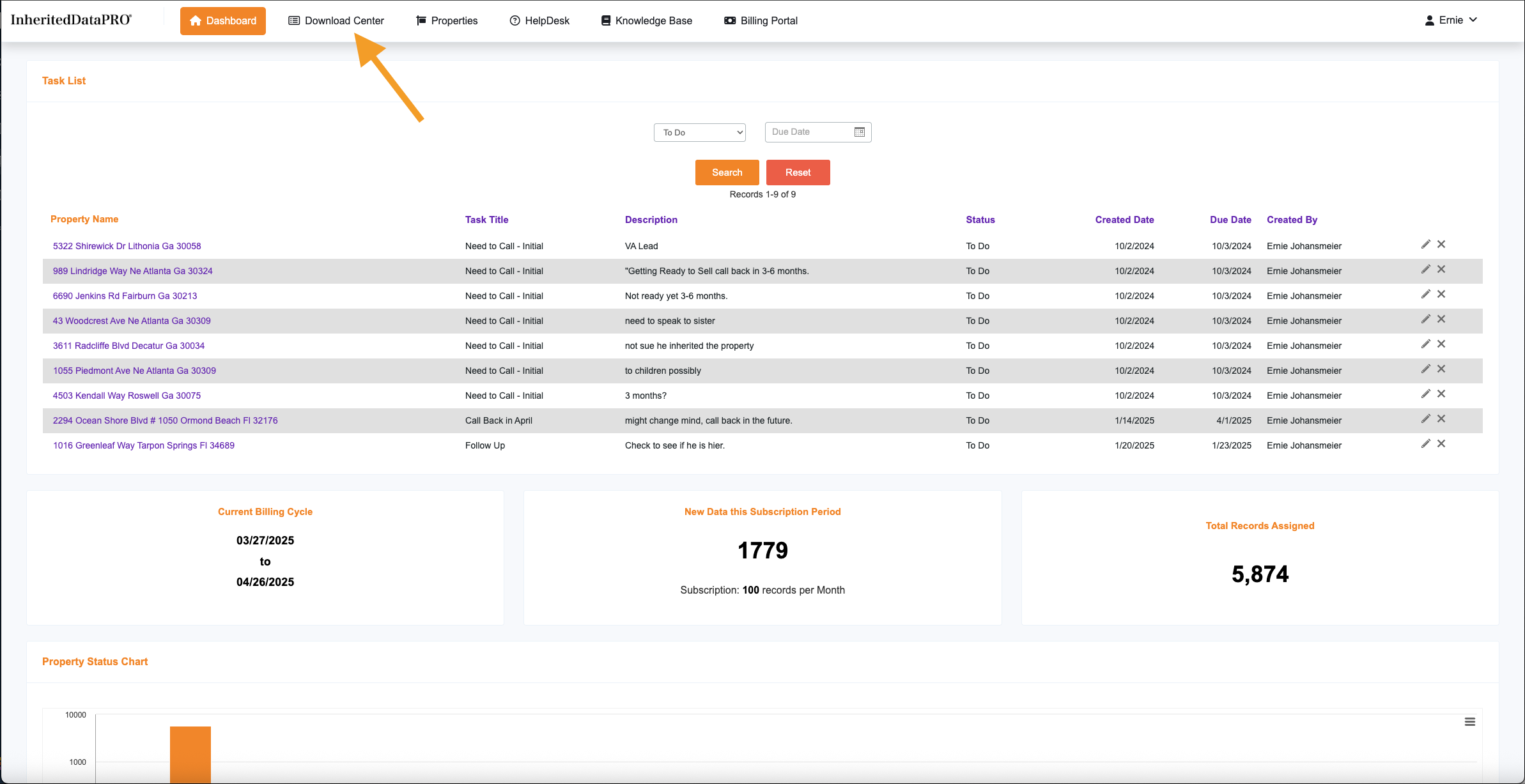
1) Where to Find the Download Center
2) Parts of the Download Center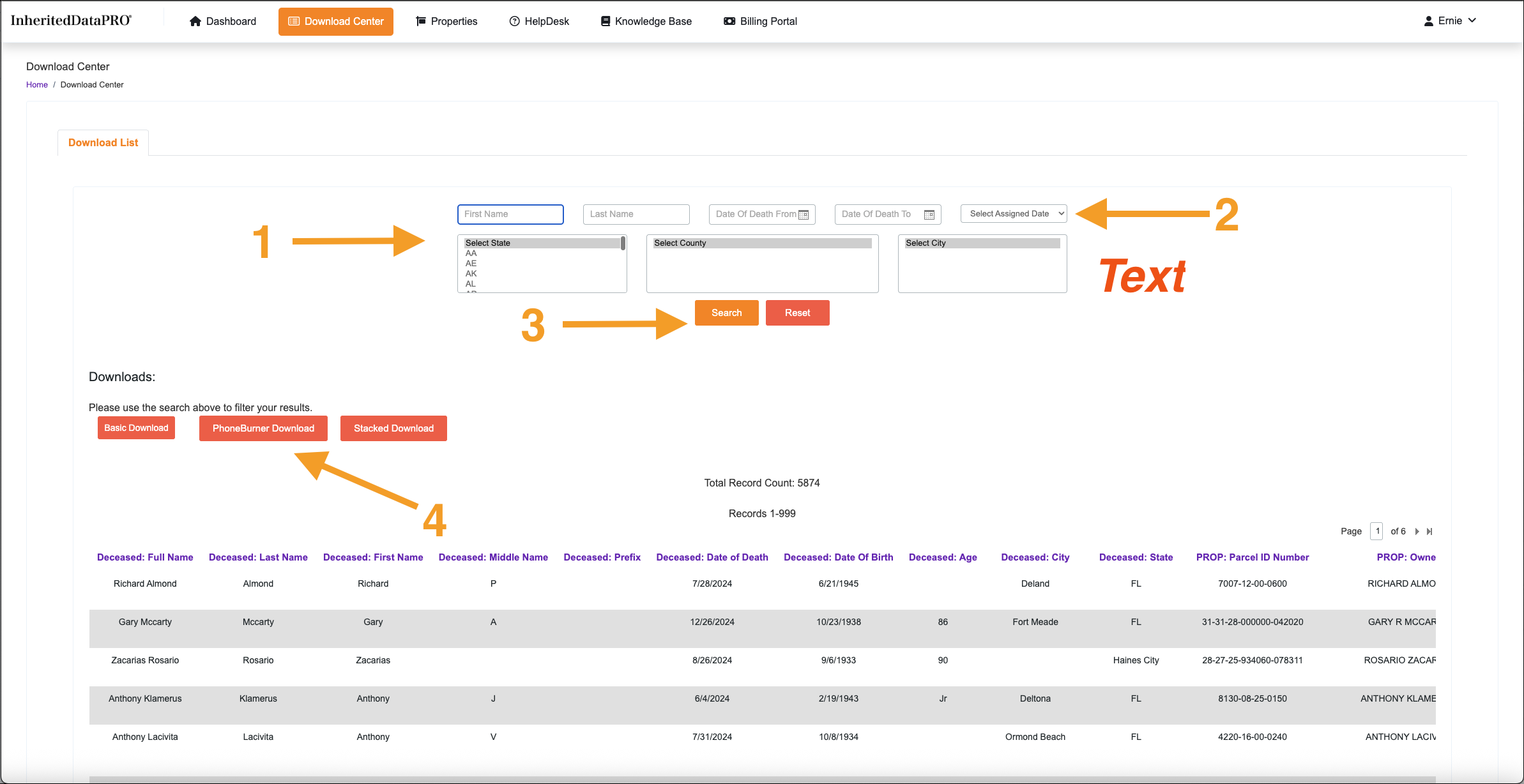
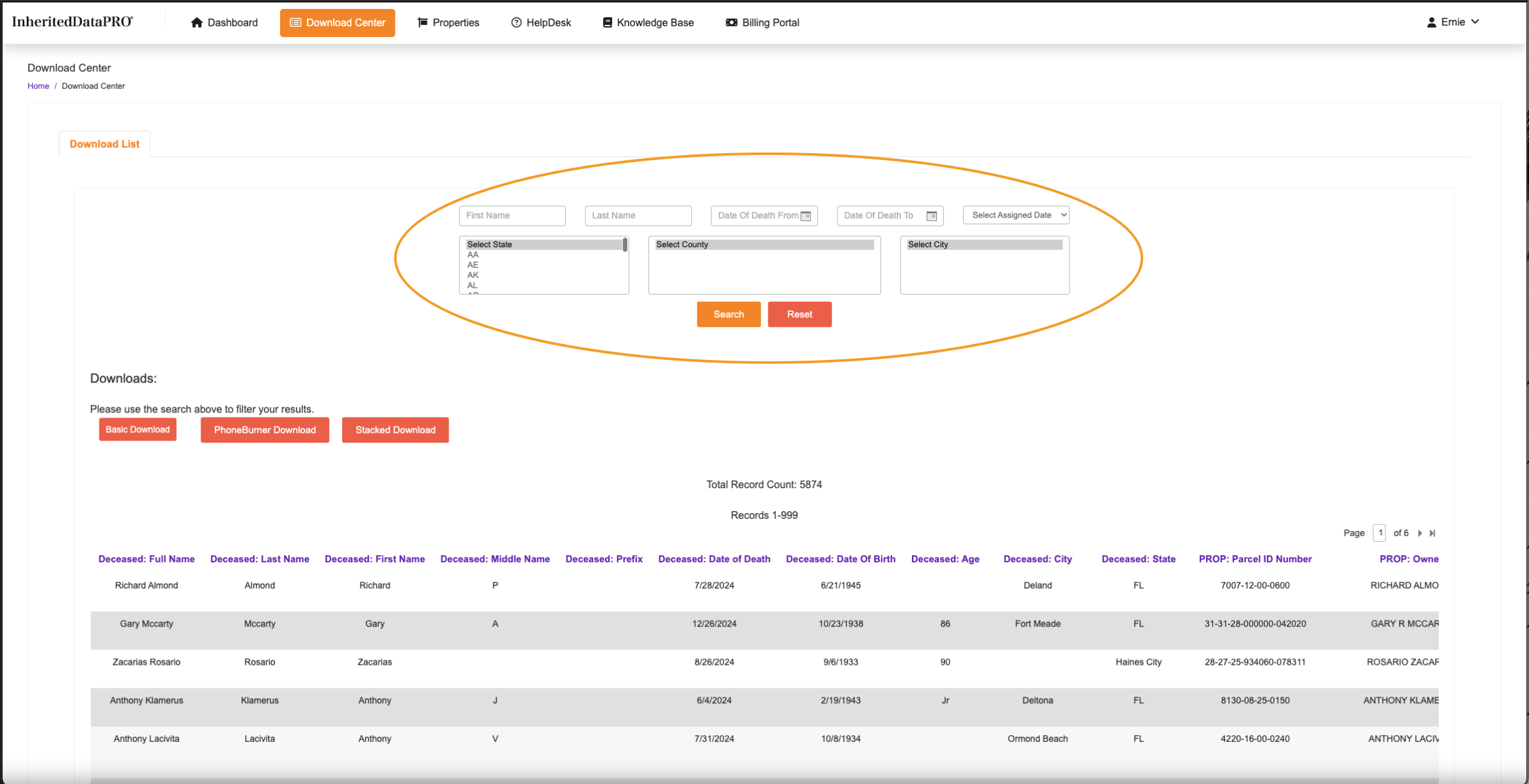
- Search Selections give many different ways to filter your list.
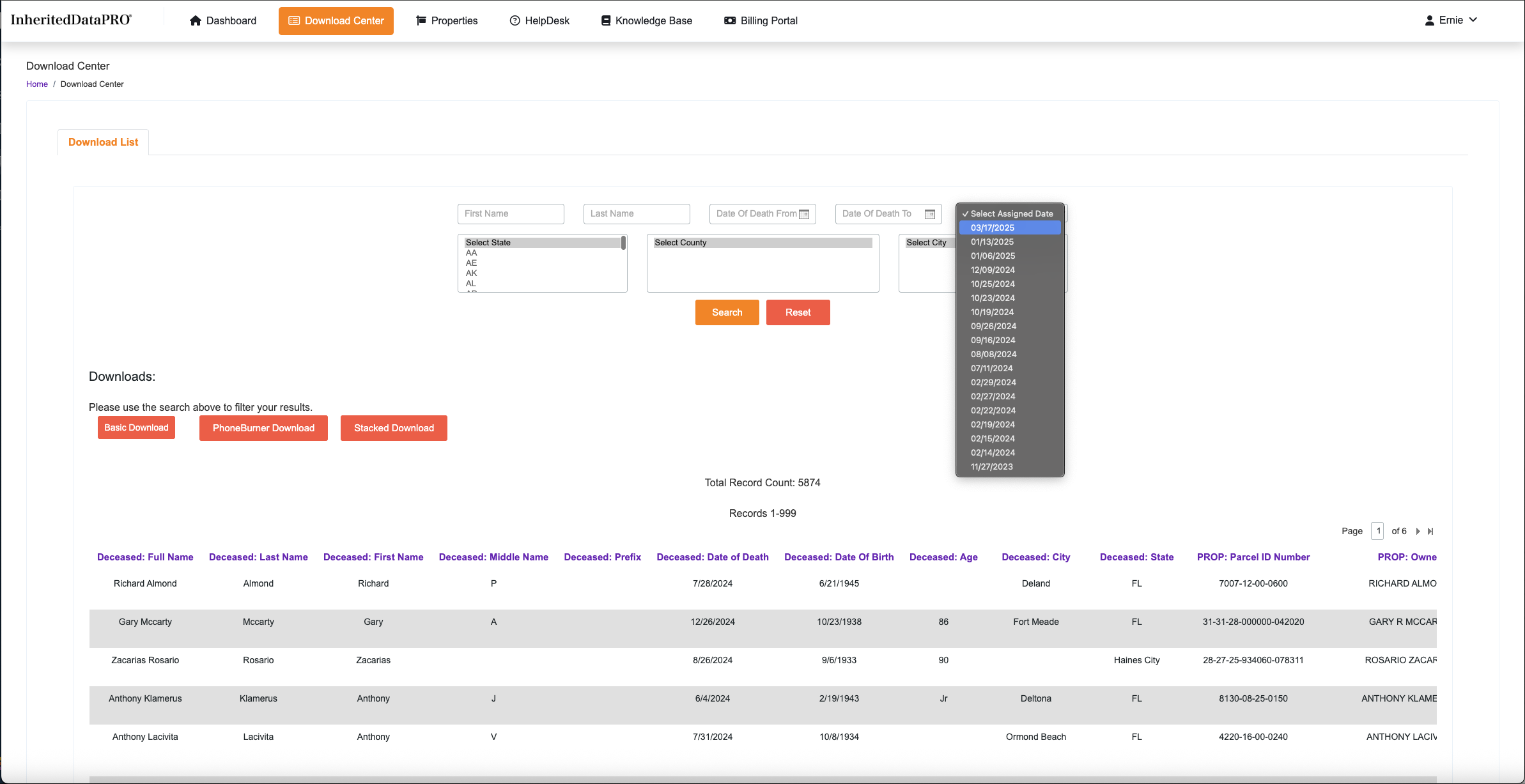
- The most Important Search. Select Assigned Data diplays the dates your Data has been posted to your Account.
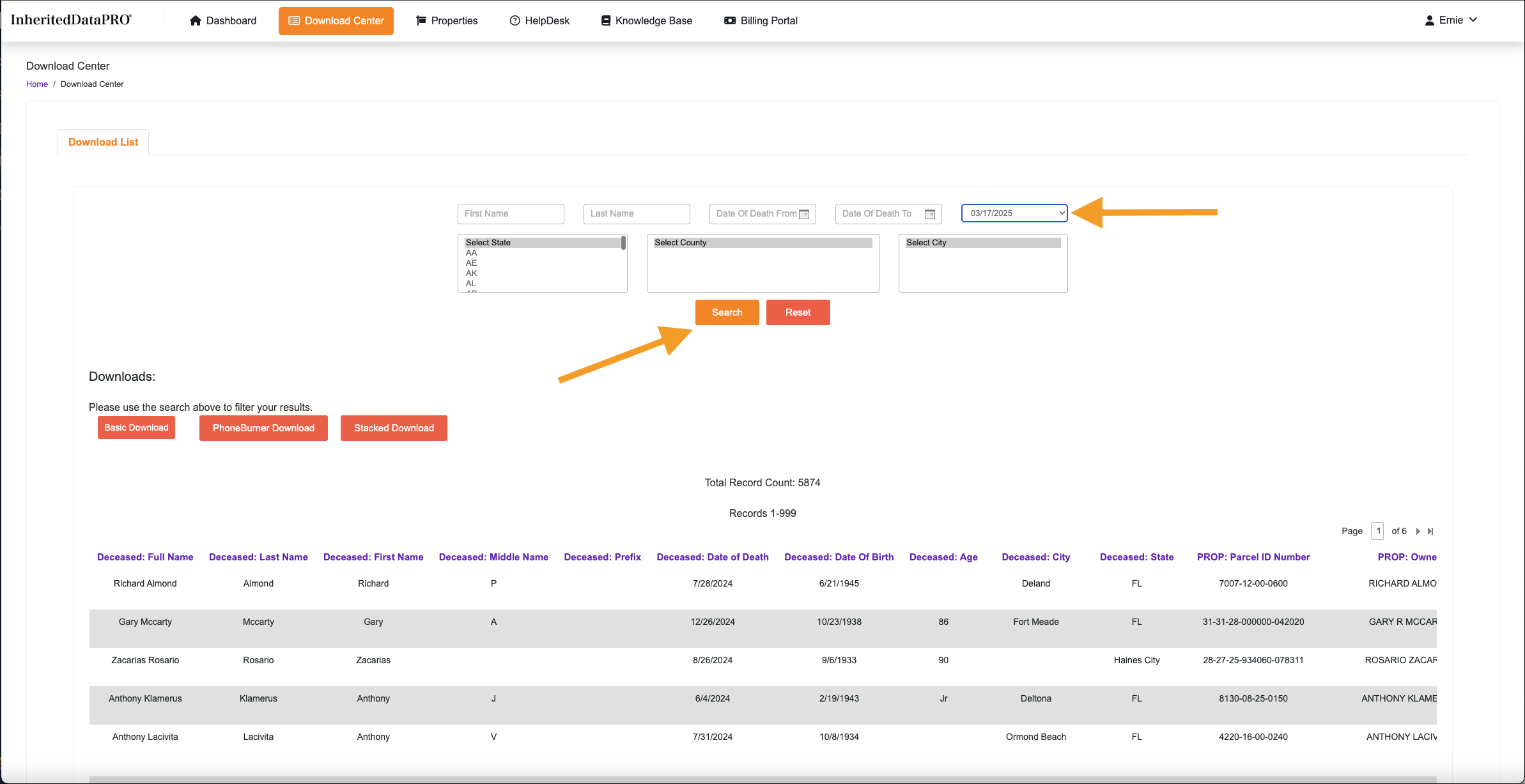
- Search and Reset need to be used for each search. Once the Assigned Date is selected, click the Search button.
3) Search Filters Overview
3) Select Assigned Date
Located in the upper right hand corner of the search selections. This is really the only search you need. The Assigned date is when your InheritedData records are assigned to your Account.
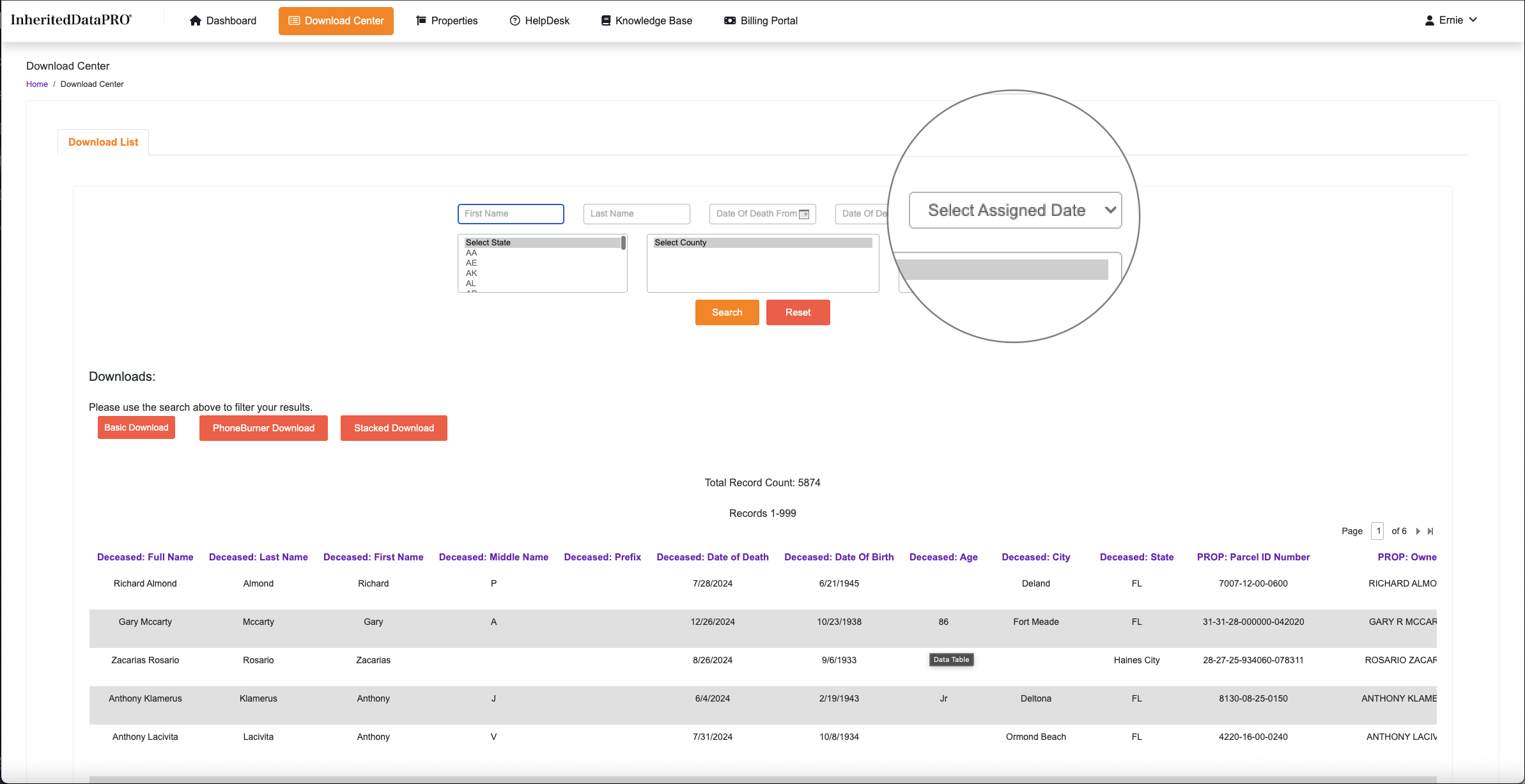
4) Using the Assigned Date Dropdown
Clicking the Dropdown will display each date Data has been assigned to your Account. The most recent assignment will be shown at the top.
5) Selecting and Searching
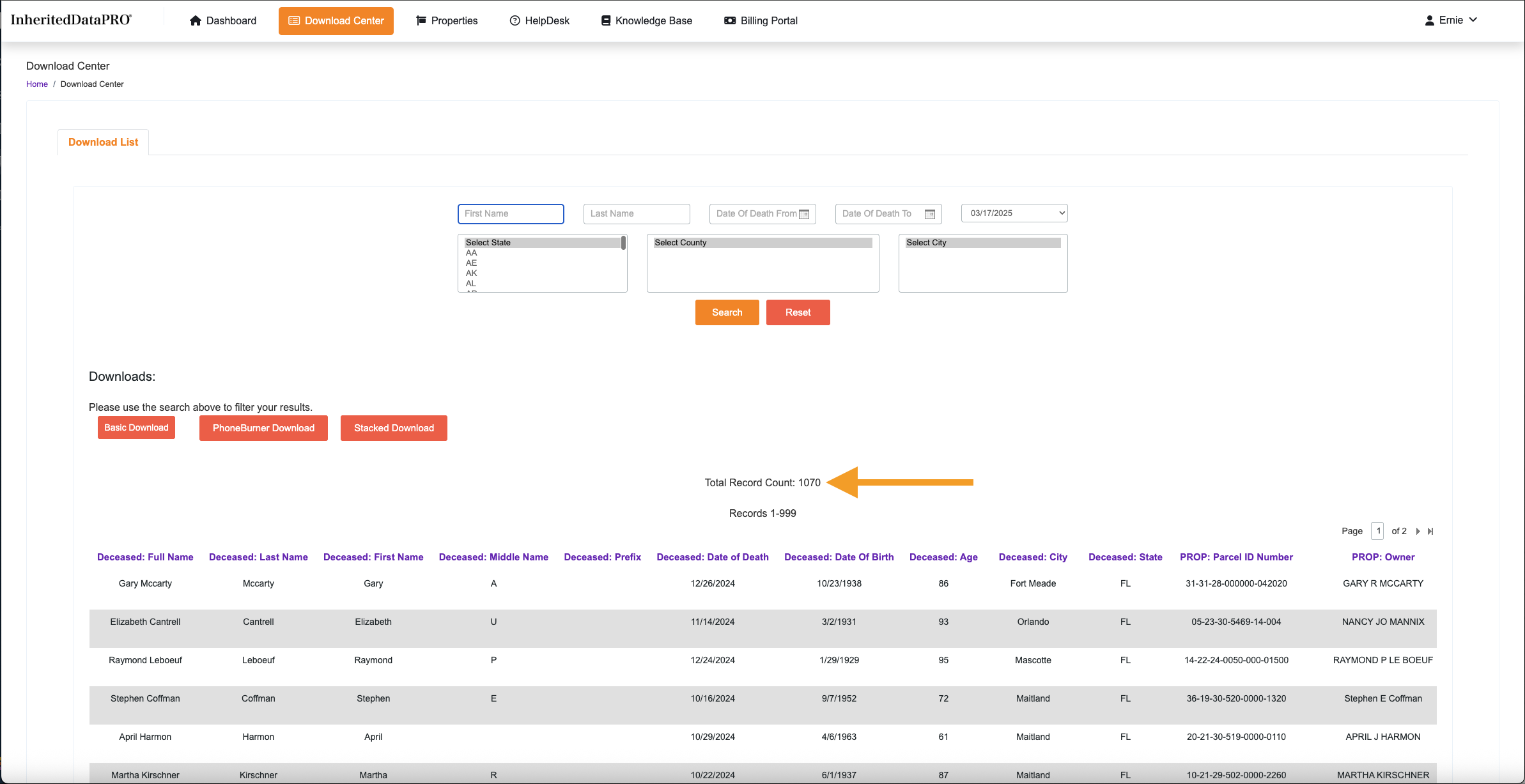
6) Viewing the List
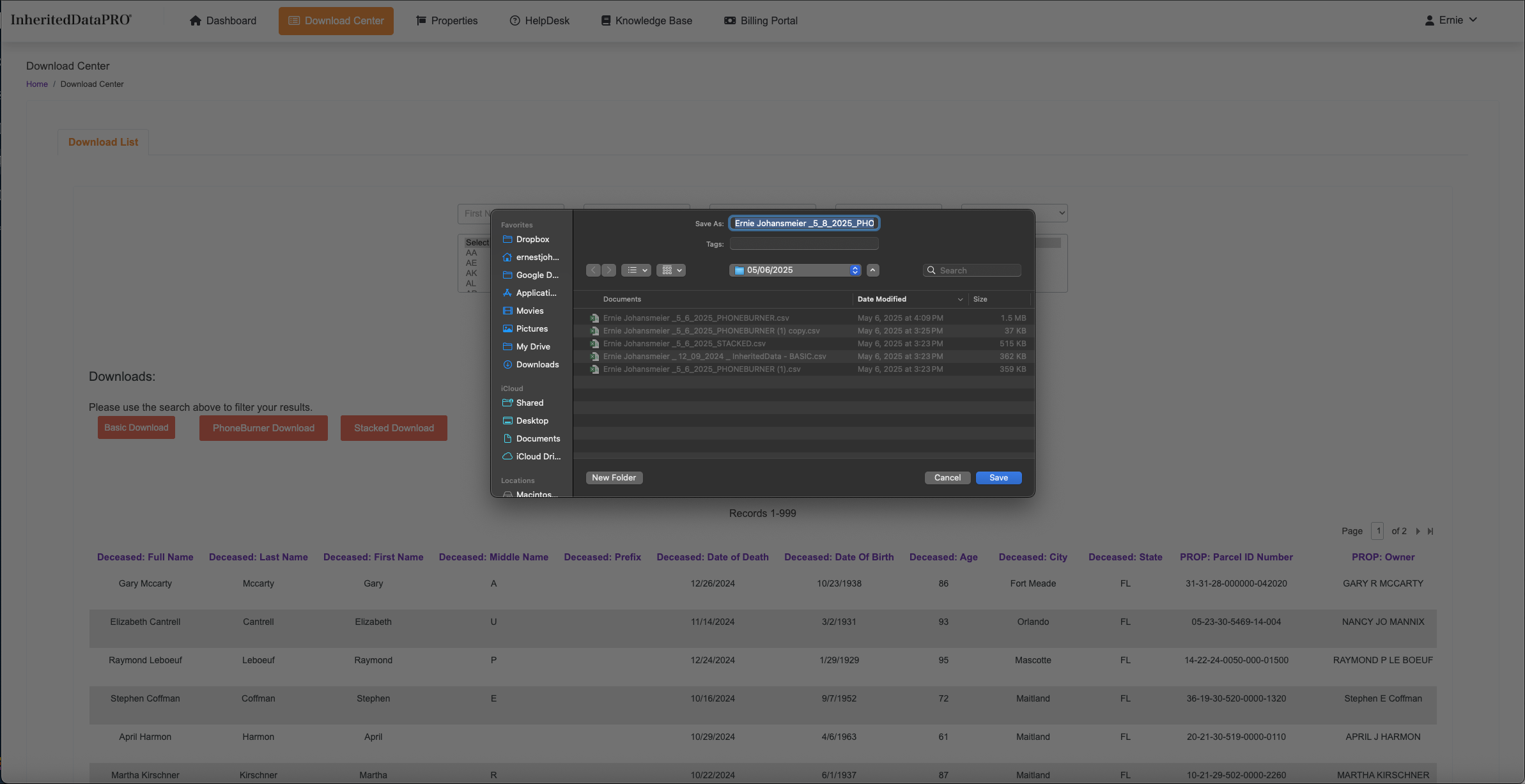
7) Downloading the List
8) Save the File
NEXT STEP
Ready for upload to your favorite platform!
Was this article helpful?
That’s Great!
Thank you for your feedback
Sorry! We couldn't be helpful
Thank you for your feedback
Feedback sent
We appreciate your effort and will try to fix the article