Access Your InheritedDataPRO Account Below
Create a New Account
Creating a new user Account is straightforward. Here's how to do it:
- Use this link to Create Your InheritedDataPRO Login InheritedDataPRO Create Login
- Navigate to Your Email Address that we have for your Account: Locate your update password link.
- Create New Password: Now you can access the system.
- Fist List: Your first list can take up to 24-48 hours.
Forgot Password
Resetting your Password easy. Here's how to do it:
- Use this link to reset your Password: InheritedDataPRO Reset Password
- Navigate to Your Email Address that we have for your Account: Locate your update password link.
- Create New Password: Now you can access the system.
Log In
Logging into your Account is easy. Here's how to do it:
- Use this link to Login to your Account: Access Your InheritedDataPRO Access
- Enter Your Password: Access Your Account
To access your InheritedDataPRO Account
Use the Link
https://inheriteddatapro.app/login
Use the InheritedData Website
Use the InheritedData Website to access Your InheritedDataPRO Account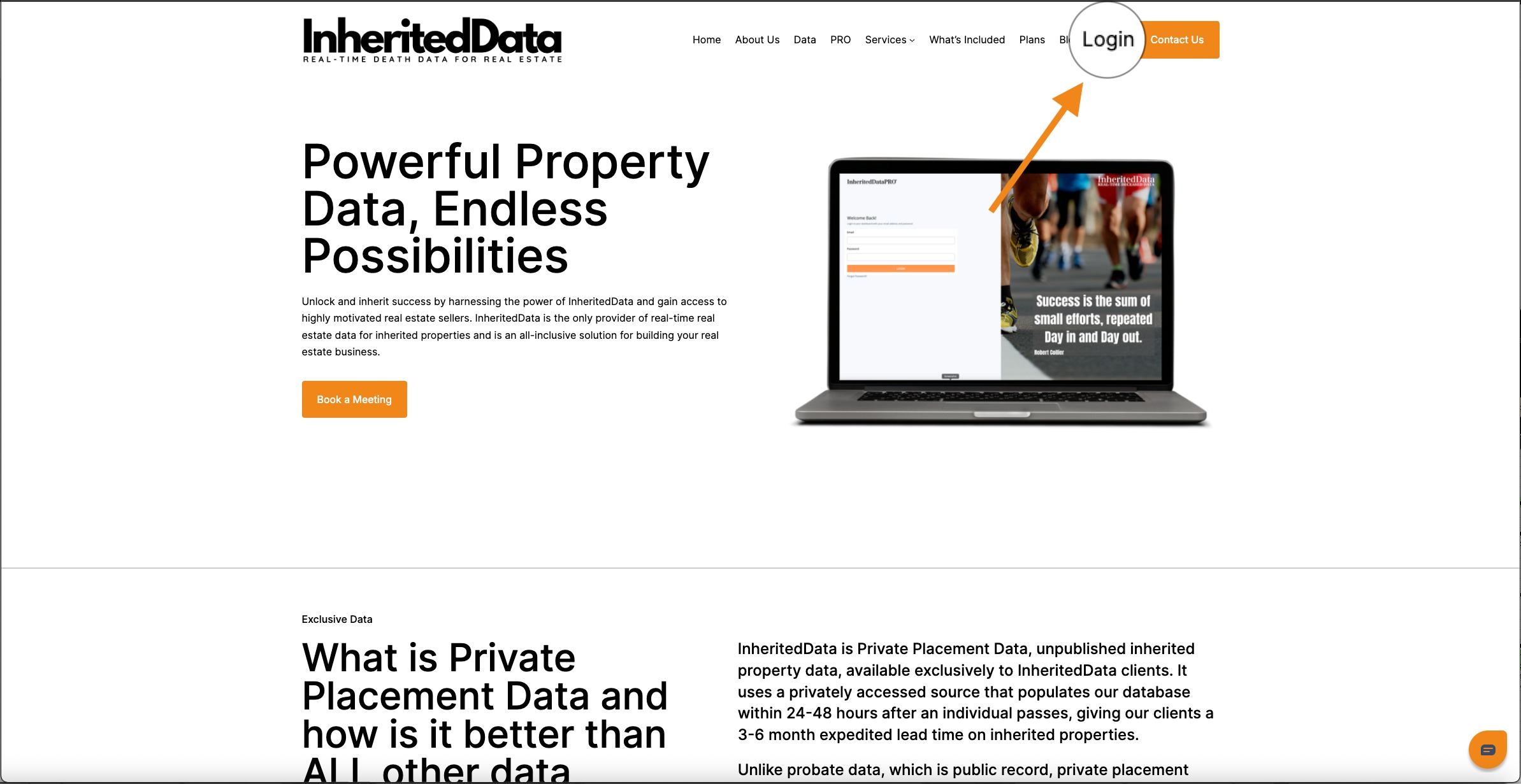
Was this article helpful?
That’s Great!
Thank you for your feedback
Sorry! We couldn't be helpful
Thank you for your feedback
Feedback sent
We appreciate your effort and will try to fix the article